AI is one of many tools in my creative process, not a replacement for it. I use it to explore ideas faster, visualize concepts, and solve communication challenges. This allows me to spend more time on strategy, collaboration, and the craft of great design.
Building a Cohesive, on-brand campaign
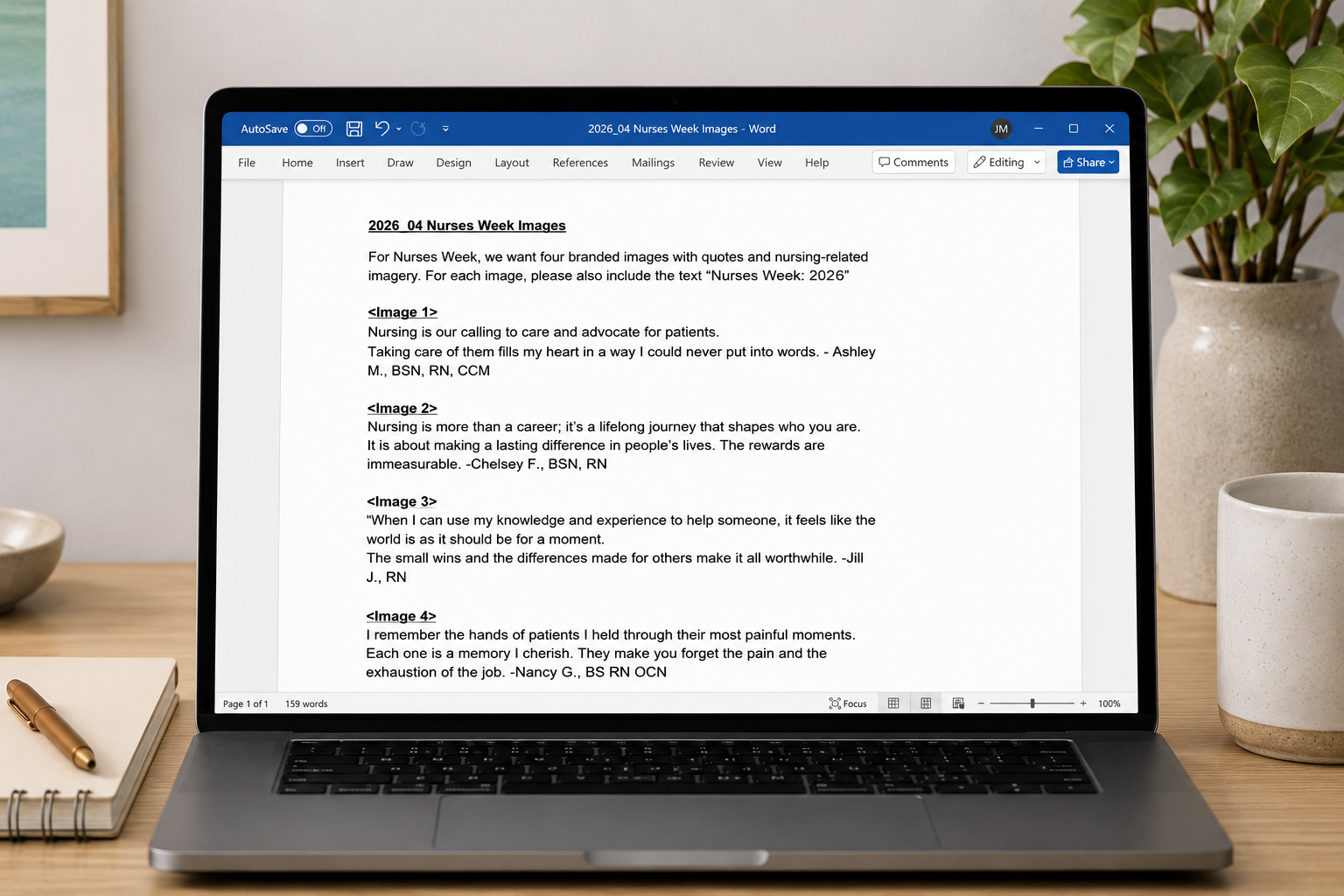
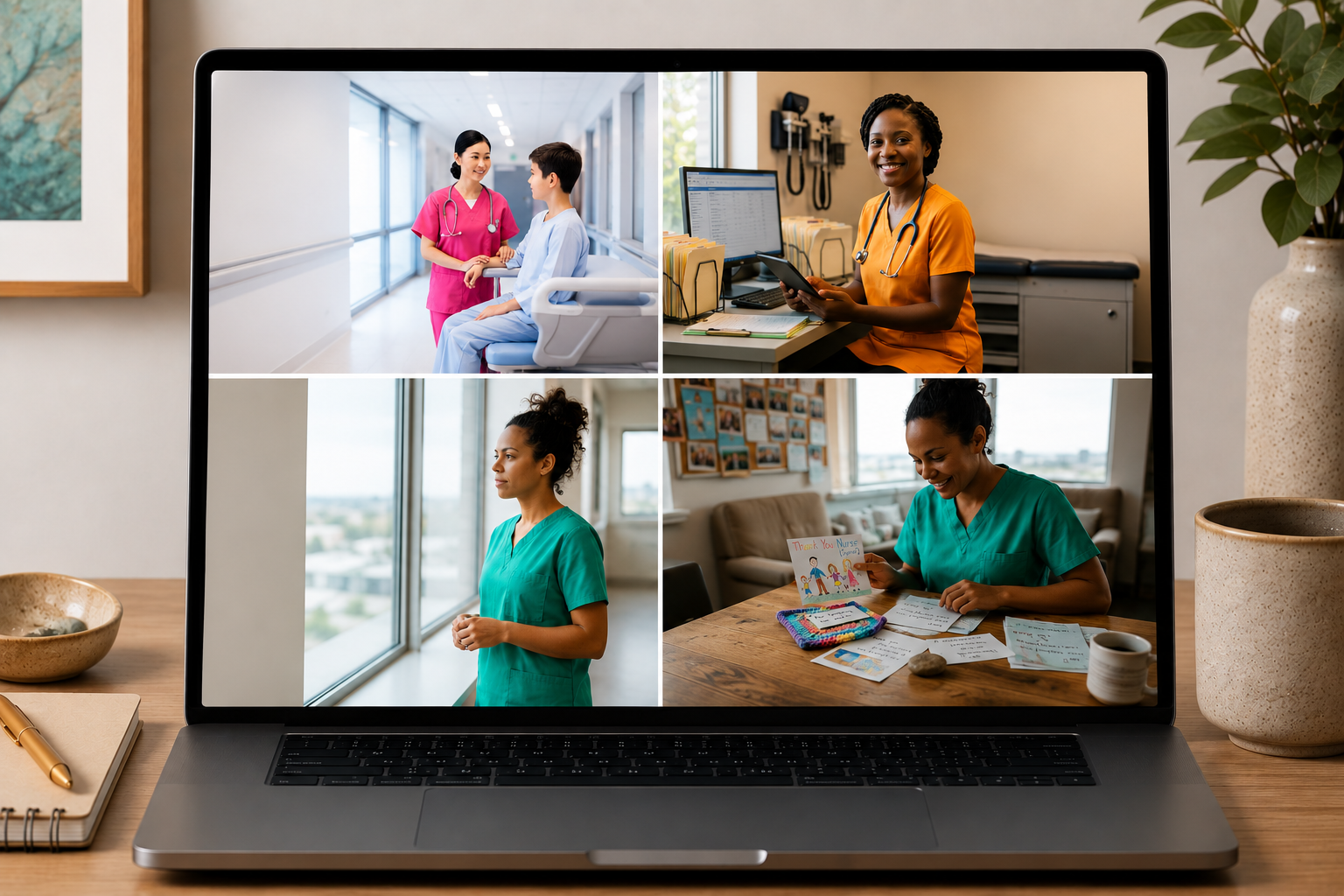
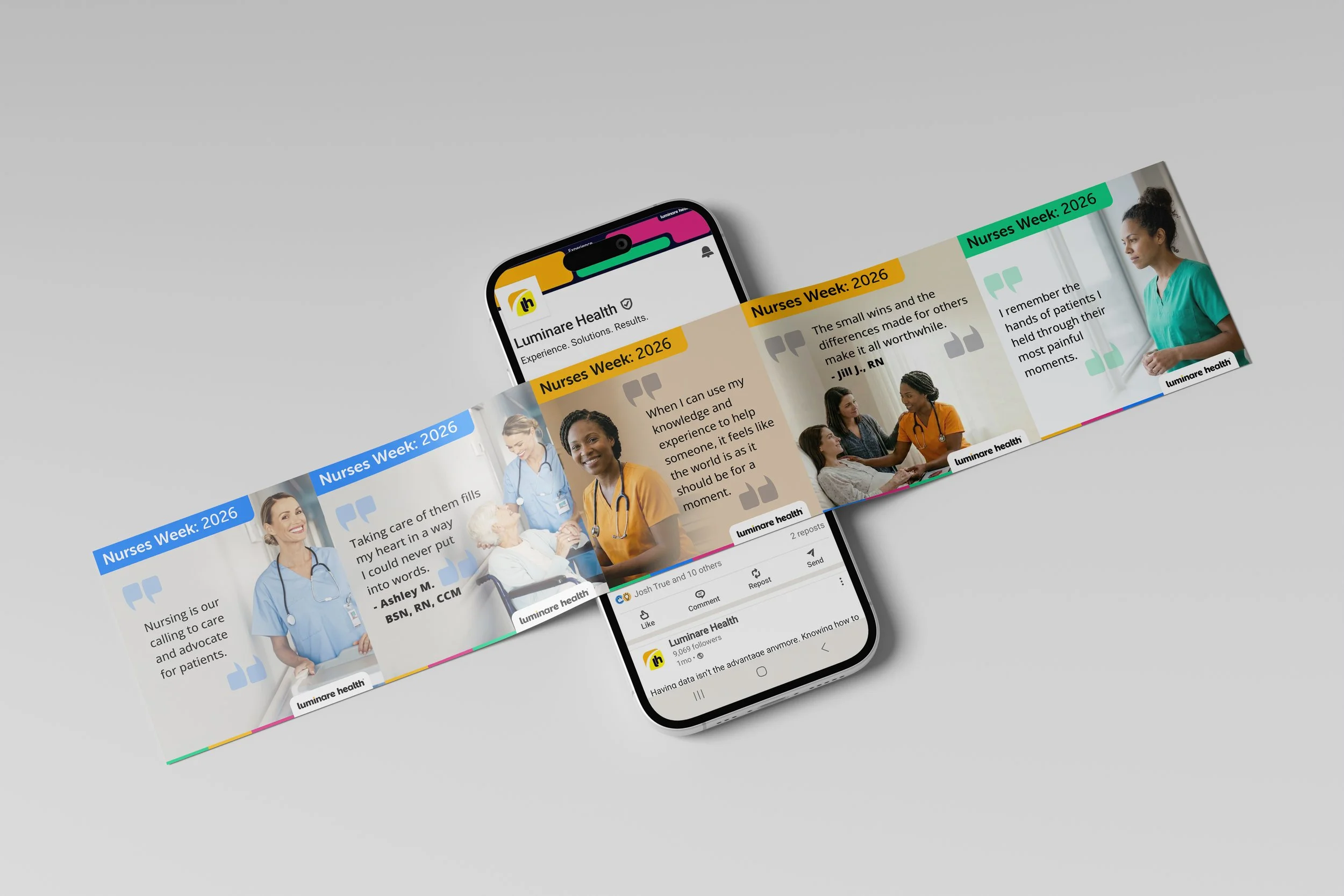
For this Nurses Week social media campaign, I used Adobe Firefly to generate a cohesive series of custom nurse portraits tailored to each message in the carousel. Using AI allowed me to create the same characters across multiple scenarios - something that would have been very difficult or more likely impossible with traditional stock photography.
To maintain brand consistency, I also directed Firefly to generate nurses wearing scrubs that matched Luminare Health's brand colors, creating a campaign that felt cohesive, intentional, and on-brand. The result was a visually unified social campaign that strengthened the storytelling while significantly reducing production time.
Step 1: Campaign Brief
Step 2: AI Image Generation
Step 3: Final LinkedIn Campaign
Turning Complexity into Clarity
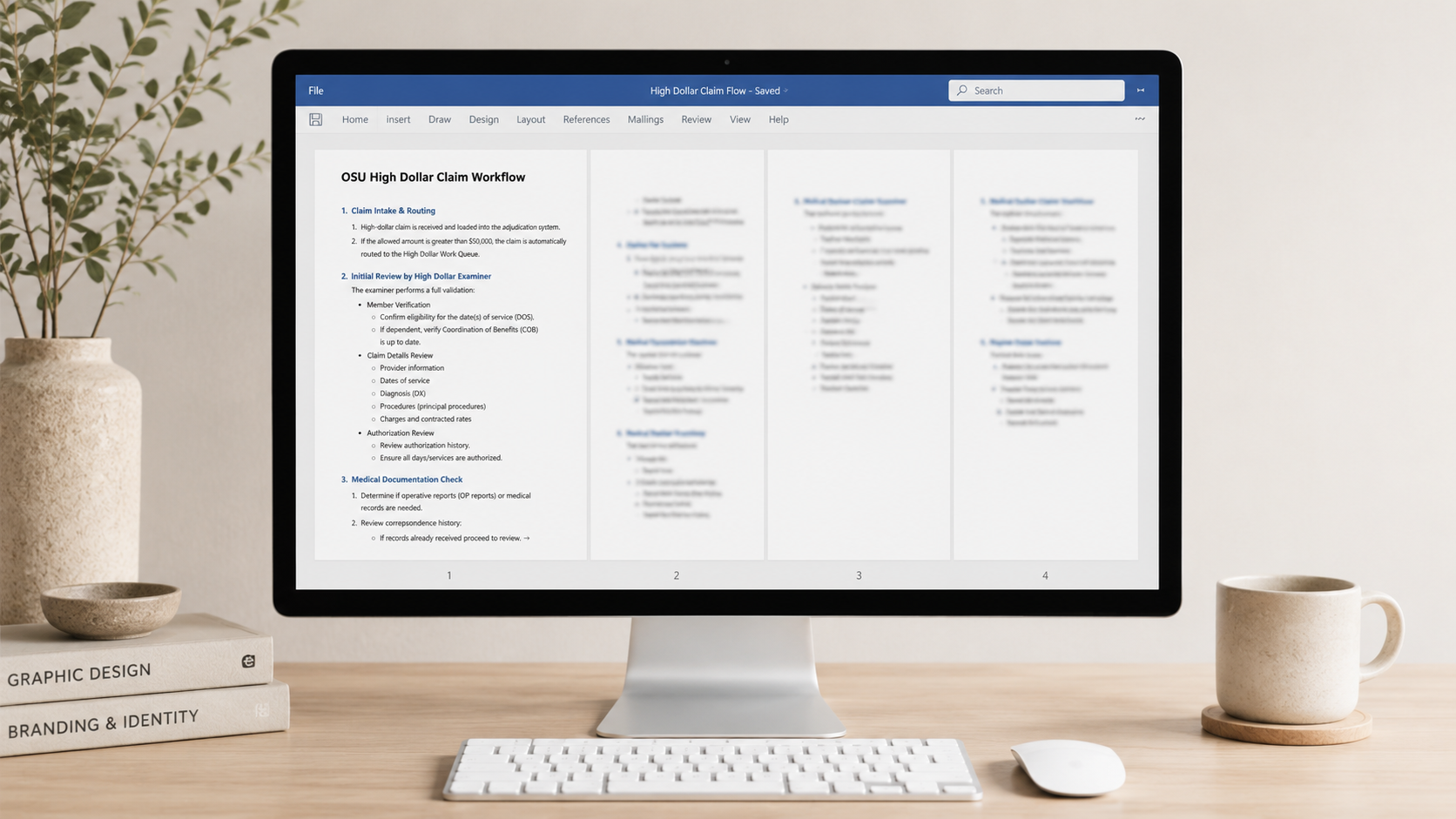
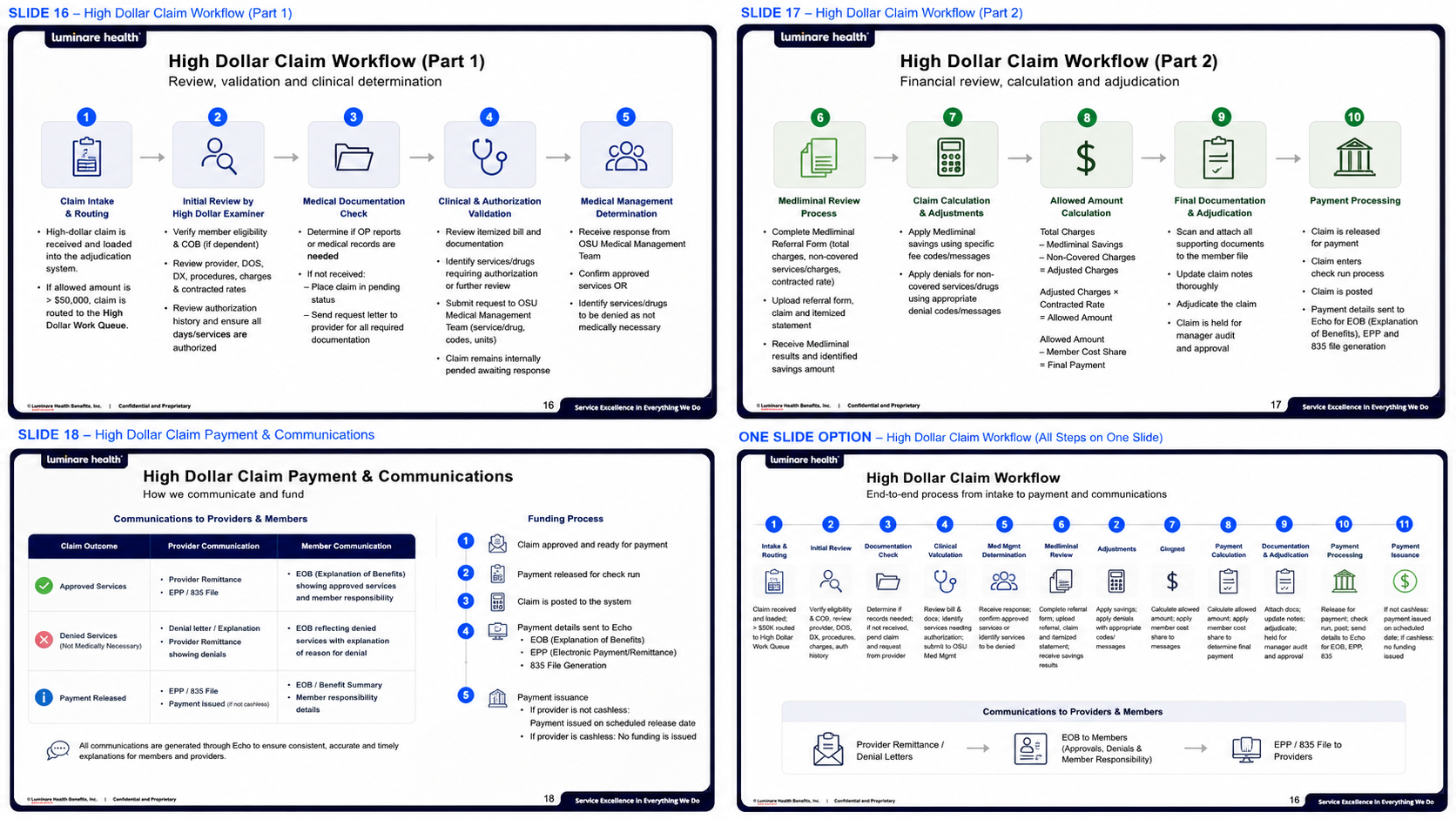
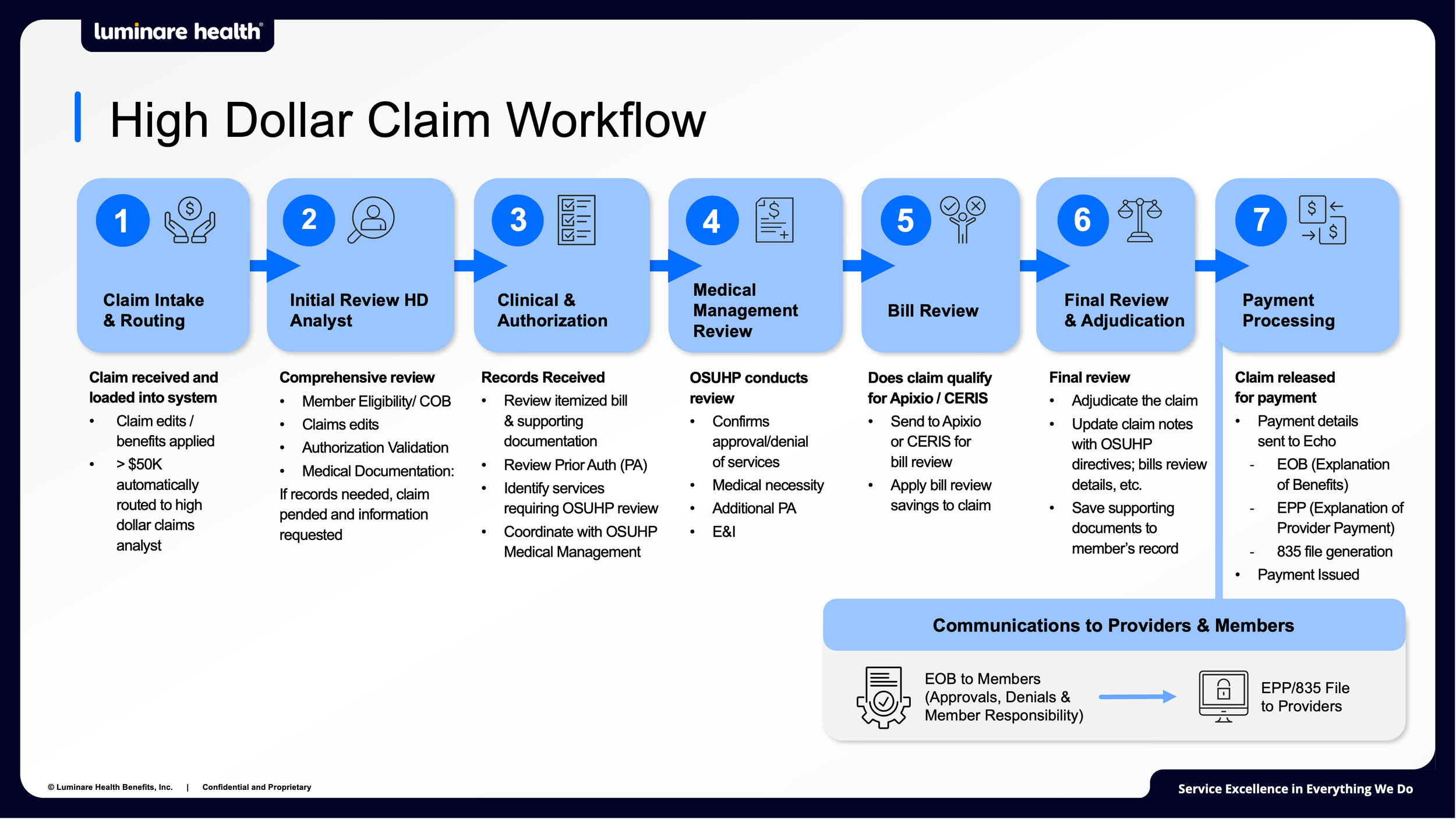
Starting with a detailed multi-page Microsoft Word document, I used AI to quickly explore multiple workflow concepts before refining them into a clear, presentation-ready visual. The AI-generated layouts accelerated early ideation, made it easier to communicate design constraints to stakeholders, and helped guide discussions toward a more effective solution. Rather than replacing the design process, AI accelerated concept exploration so more time could be spent collaborating with stakeholders and refining the final design.
Step 1: Business Challenge
Step 2: AI Concept Exploration
Step 3: Final Presentation Slide
From photo to fantASTICAL
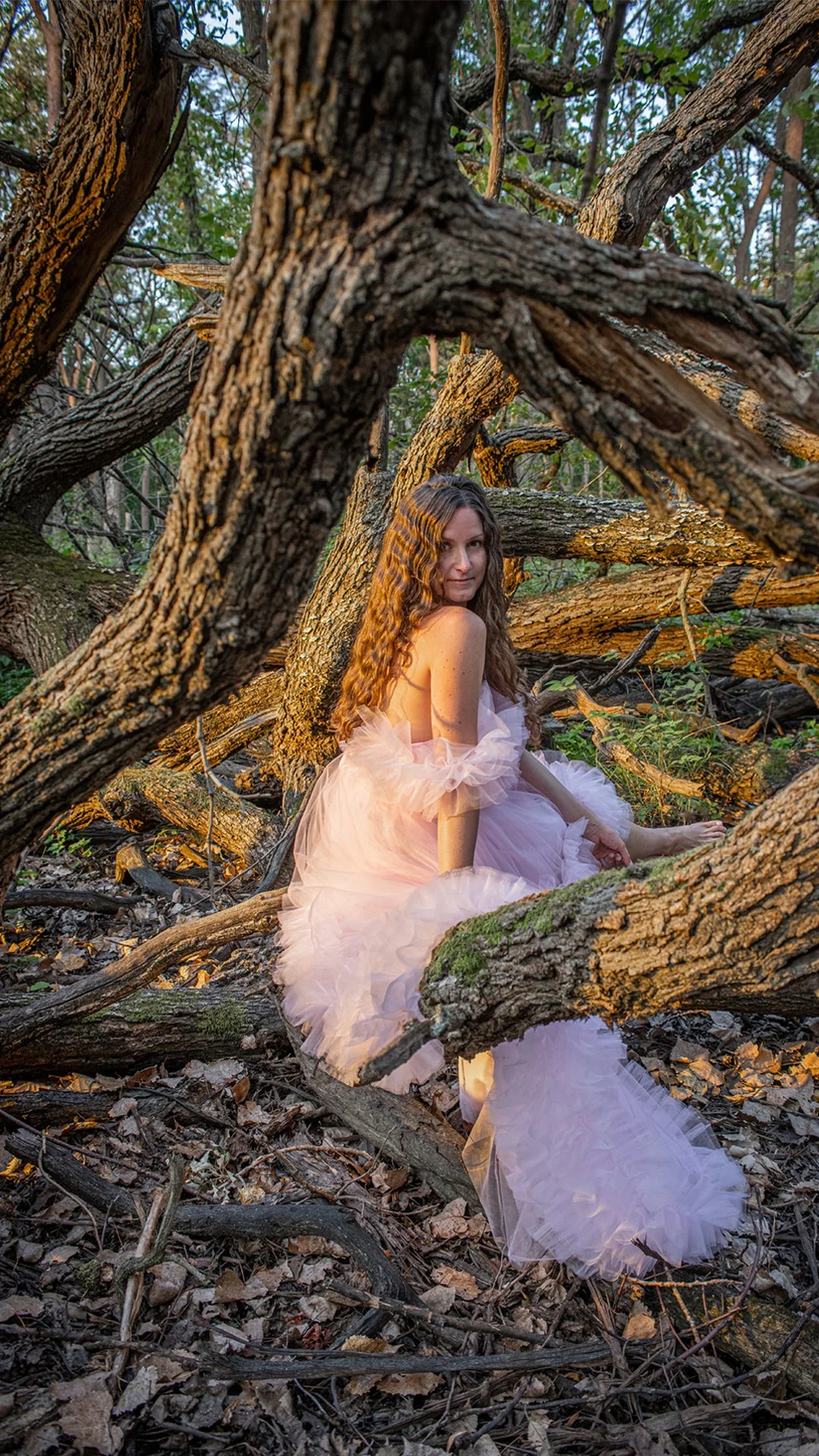
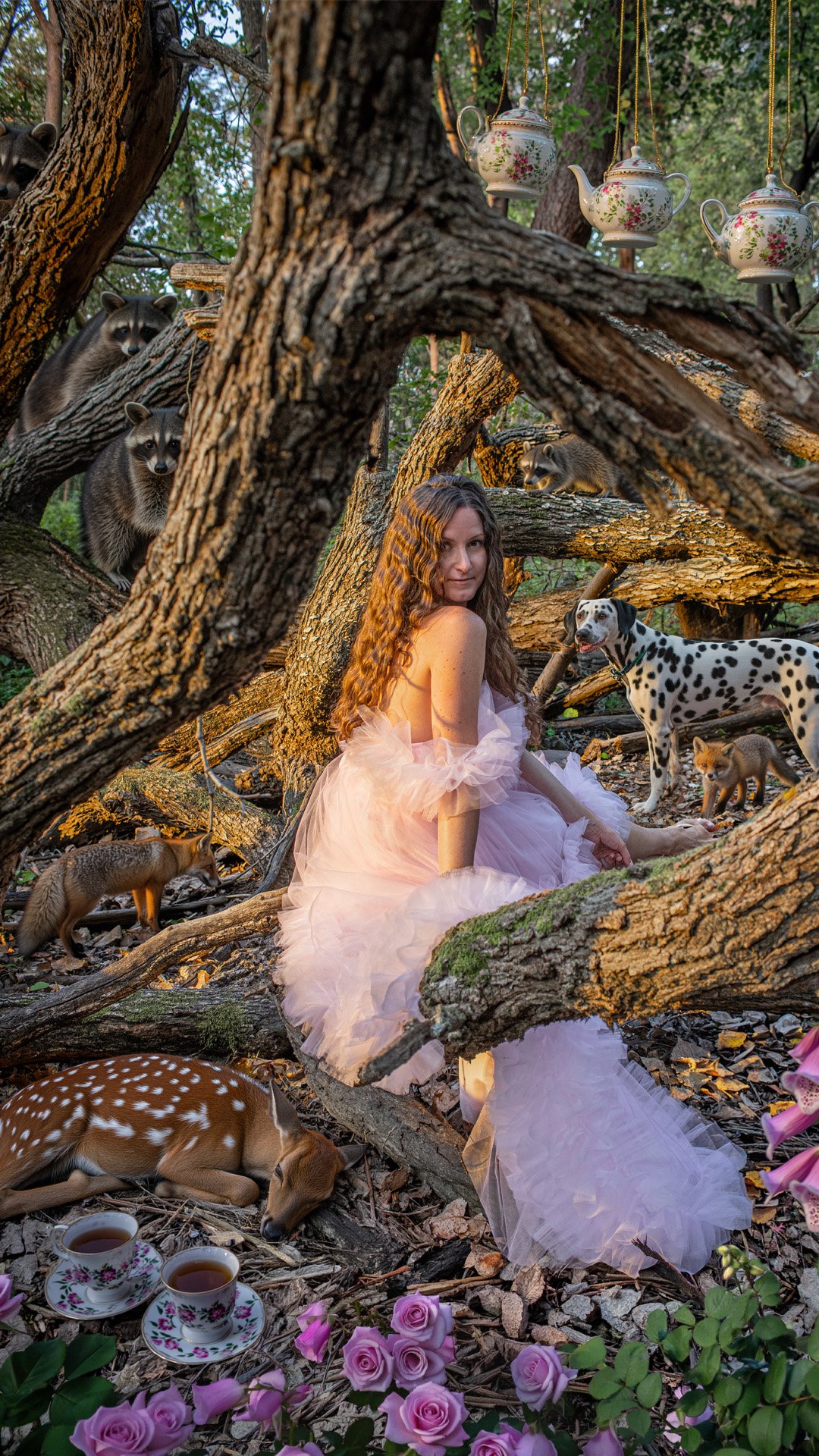
This project demonstrates how I use AI as part of the creative process, not a replacement for it. Starting with original photography by Jeff Mateer of Studio West Photo, I used Photoshop's generative AI to expand the scene with new elements while carefully matching lighting, color, and perspective. The final piece was brought to life with motion, animated typography, and visual effects to create engaging social media content.
Step 1: Original photography
Step 2: AI-Assisted Scene Enhancement
Step 3: Final Animated Social Post